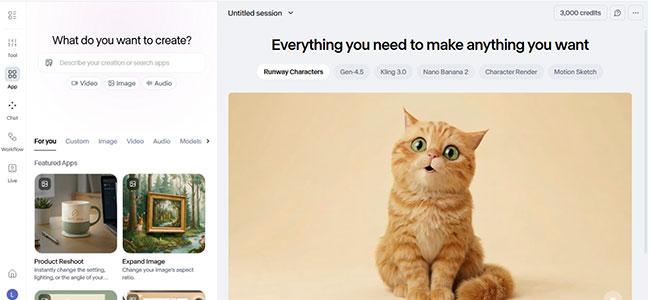
WORKFLOW
For this one, I used Ad Concepter.
Concept 1
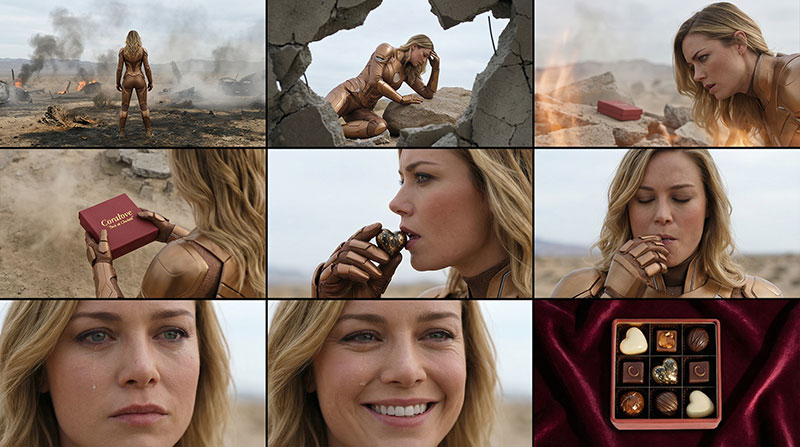
Concept 2
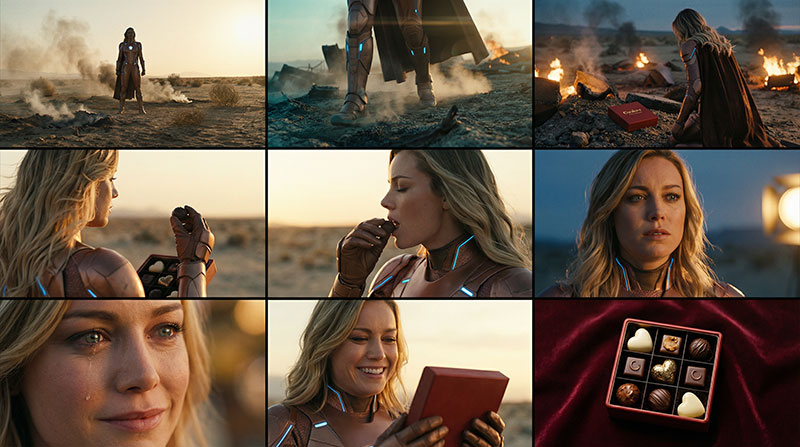
Concept 3
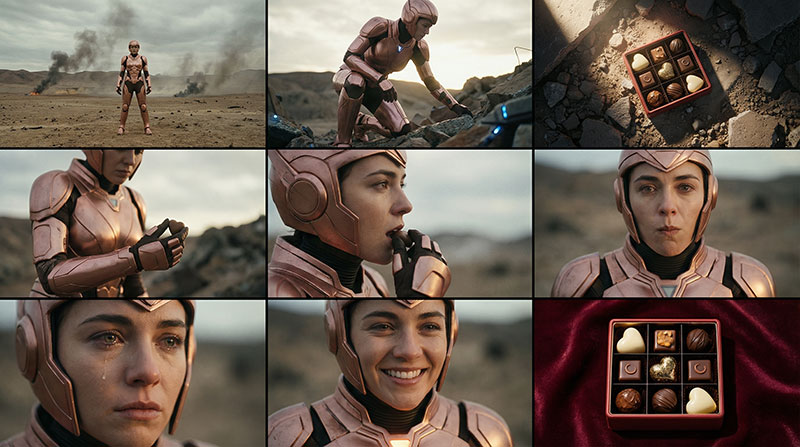 Other superhero concept.
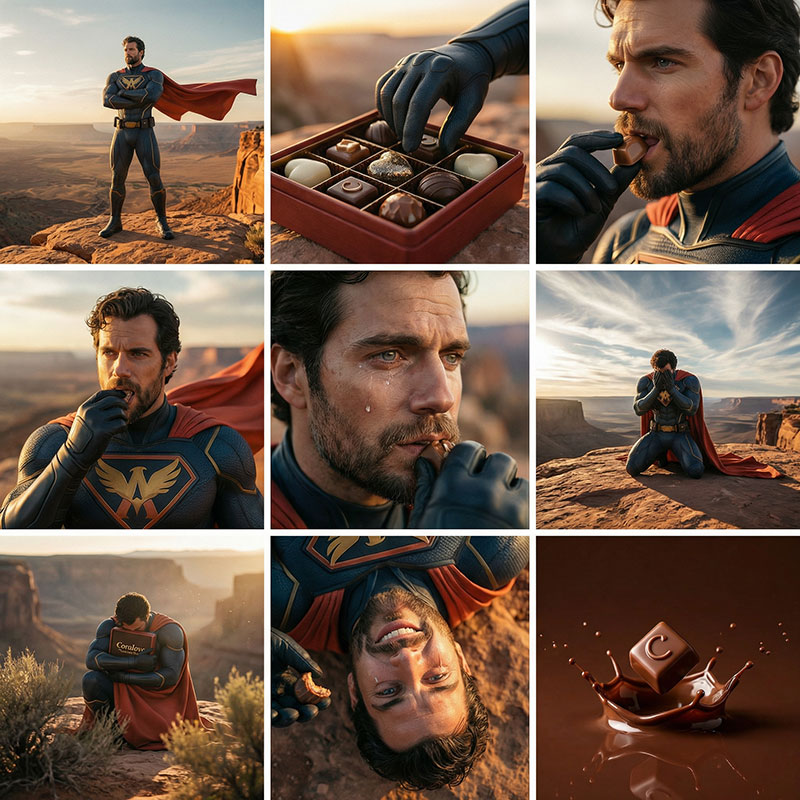
As you can see, the results aren’t perfect, some are unusable, but they’re quite helpful.
Before using this, I had to take screenshots with VLC to use as starting frames to maintain consistency. With this feature, it’s much easier, I can select the ones I want to use, upscale them, and modify them as desired.
Box Concept
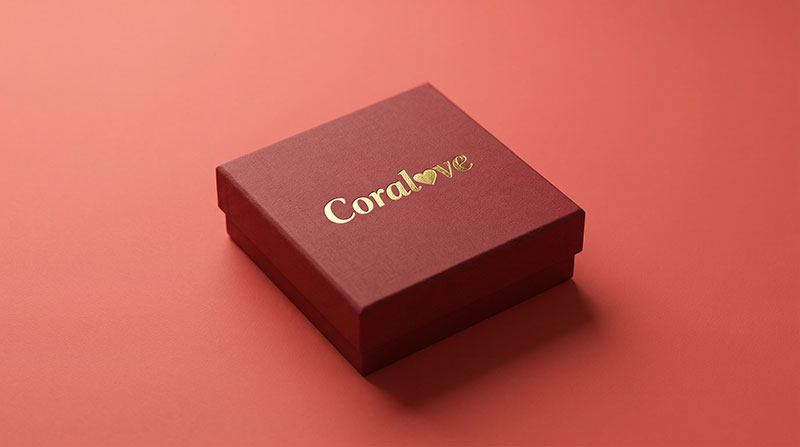
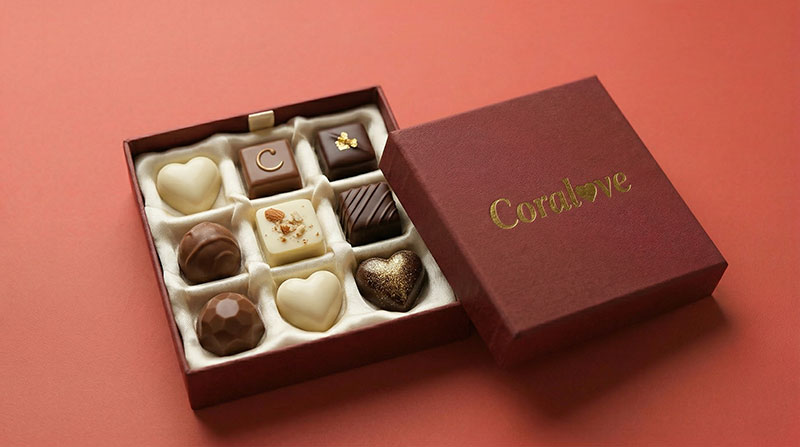
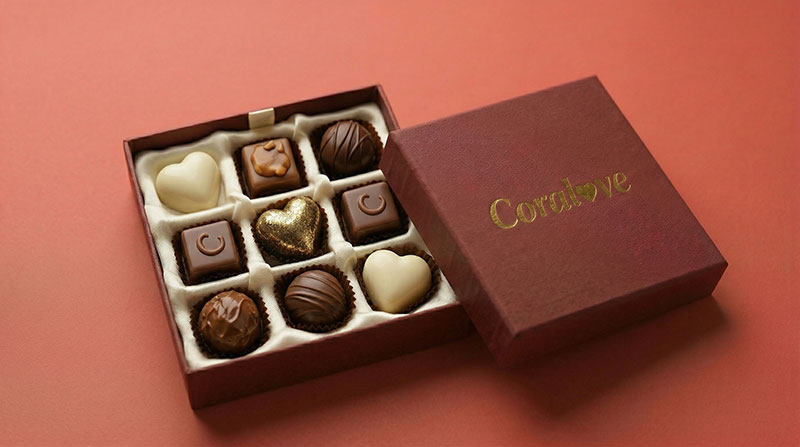
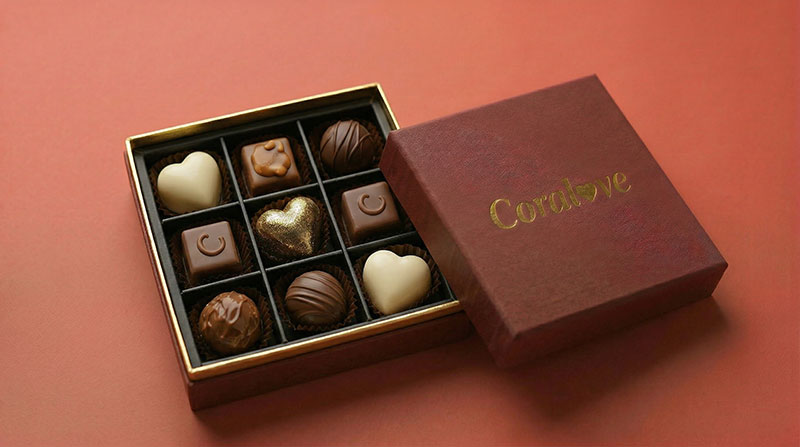
As you can see, I needed to do a lot of things to finally get the results I wanted. And I’m not even going to post all the fails because there are too many.
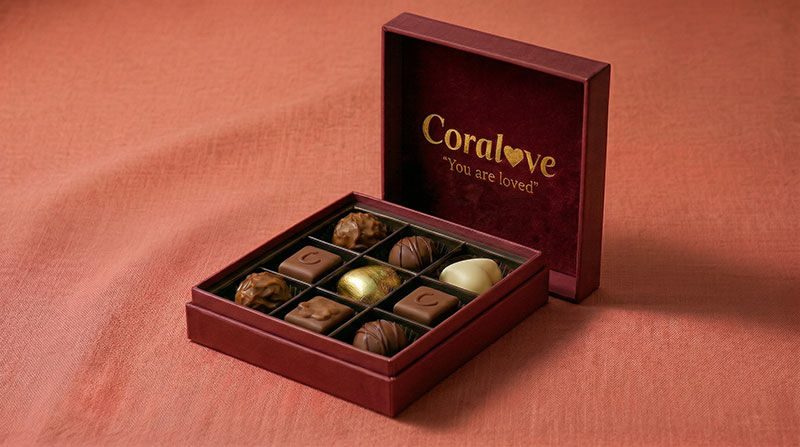
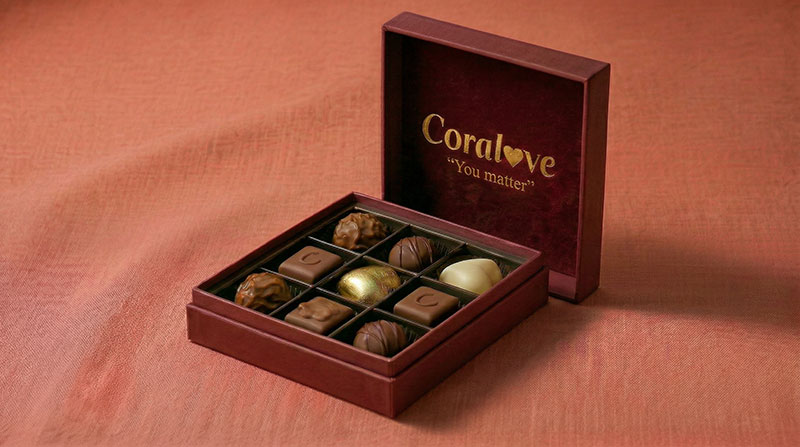
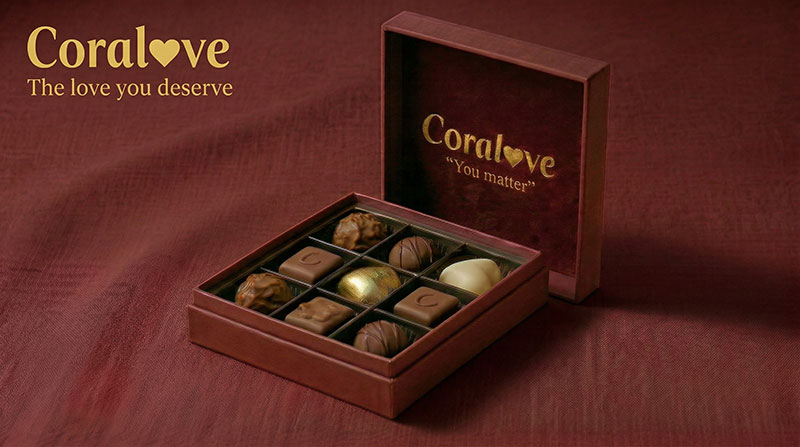
The runway image editing tool helped with image references, making it easier for me to direct the model. I’m quite satisfied with the final result, although the colors aren’t quite right.
Originally, the slogan was “Love is special. Love is Coralove”, but I thought it was too long and there was a repetition of the word love, so I changed it to “The love you deserve”.
As for the music, as I said, I made a few mistakes in the final edit. Since I changed some scenes, the duration changed, so I had to adjust accordingly. I also tried to continue with just the chorus, but at the 1-minute mark, the music wouldn’t stop at the right moment, so I decided to just use the last part.
For the parts that weren’t from the ad concepter, I had to create my own images and create prompts that used camera movement effects, so it looked cinematic.
The tools I use are images, videos, and ad concepter. For videos, I only create sound for the scenes I need, while the rest I create without sound to save credit costs.
I think that’s all for now. If you’d like to read about the failed parts, stay tuned for my “Runway First Try” post, which I’ll hopefully be able to post soon.